Guide
Where to get graphics for wall printing jobs? At first, this question might feel like a challenge, but the answer is actually incredibly simple. High-quality photos and designs are much closer than you think. In this article, you’ll find a complete list of sources and a quick guide to generating images with AI. See for yourself that everything your clients are looking for is already at your fingertips. Let’s dive in!
Where to get graphics for wall printing? Three best sources
When we started our own printing business back in 2022, we weren’t graphic designers either – just like you. However, we quickly realized that in this industry, your main job as an operator isn’t to be an artist. You need to be a skilled technician who knows exactly where to find what the client needs.
Here are the graphic sources you can rely on every single day.
1. Stock photo and graphics libraries
This is the most popular and widely accessible source of files. Stock libraries let you find a design tailored to your client’s needs in just a few minutes – from abstract art to landscape photography. All you have to do is type a keyword into the search bar describing what you want to print, and the algorithm will serve up hundreds of files.
You have two options here.
- Free databases (e.g., Unsplash, Pixabay, Pexels). They are free, and you’ll find plenty of great images there. Keep in mind, though, that these photos aren’t legally verified (for example, whether the photographer actually had the consent of the people in the photo to publish it). Plus, since they are free, everyone uses them, making it harder to stand out with something original.
- Paid databases (e.g., Adobe Stock, Shutterstock). This is the industry standard for professional projects. While you do have to pay for them, they give you 100% peace of mind that everything is fully legal and safe. On top of that, they offer a much wider selection of rare, unique graphics and much smarter search tools.
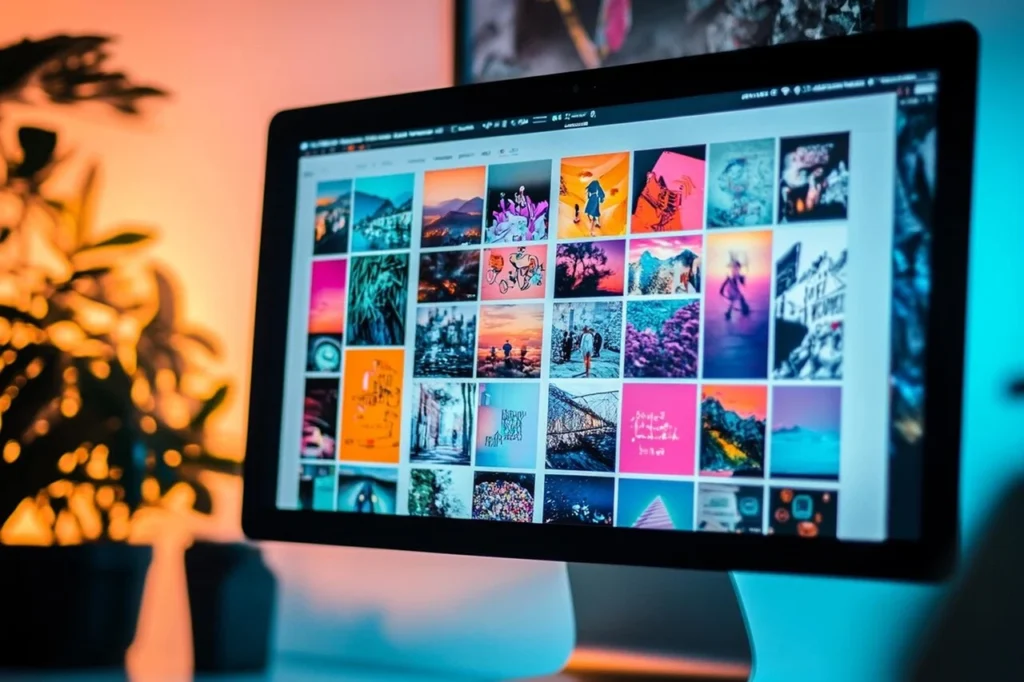
In our experience – and we’ve gone through hundreds of files – we usually end up using Adobe Stock. It’s our absolute favorite source because it rarely lets us down on quality, and the search engine is so efficient that we don’t waste hours scrolling through pages.
But you don’t have to stick to just this one platform. We’re sure that after a few months on the job, you’ll pick your own favorite databases that match your style and the taste of the people you print for.
2. Materials from the client
The second most popular source is the client. Offices, hotels, or restaurants usually have their own logos, brand books, or designs ready to go – straight from their designers.
You just take the file, prepare it according to our guide, and make sure everything is technically correct. You don’t have to worry about composition or colors. The client has already figured that out, and you just do your job. This is a straightforward task that lets you focus purely on the printing.
3. Graphics generated by AI
When standard stock databases fall short and you can’t find what your client wants, AI can instantly generate a graphic tailored to the project.
Leonardo.Ai works brilliantly for this. You type in a short command (a prompt), and the artificial intelligence creates an image based on your guidelines.
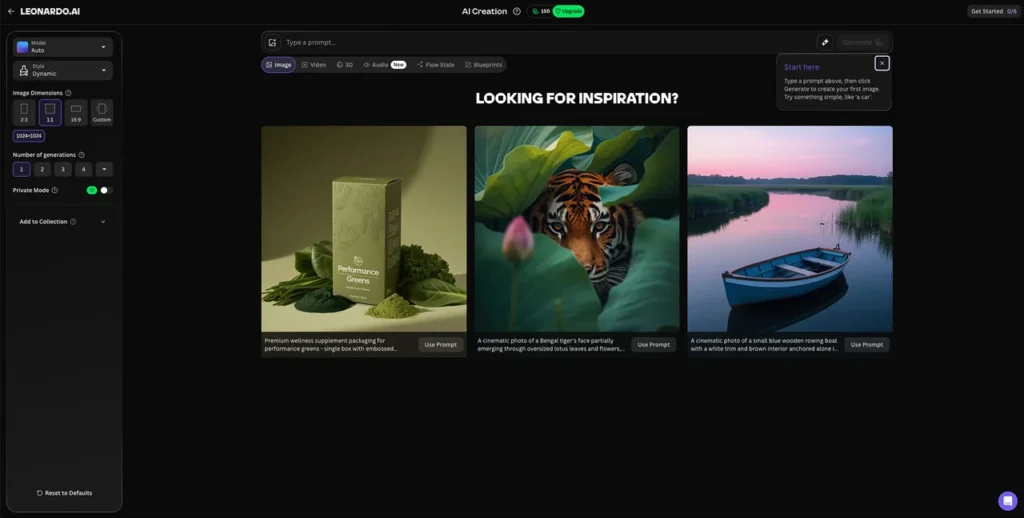
What exactly should you type? Imagine you’re looking for a graphic for a kid’s room: a kitten with a pink flower motif. Describe the image in as much detail as possible – specify the style, subject, colors, mood, and proportions.
Example prompt:
cute vector art illustration, happy smiling kitten peeking out of a giant open peony flower, pastel pink and bubblegum pink color palette, nursery wall art, playful style, clean lines, simple design, blooming floral pattern around, sparkling accents, vibrant but soft colors, hand-drawn
The result? A cheerful, pastel illustration generated in under a minute:

There is a small catch with AI images, though – their resolution can sometimes be too low for wall printing.
Fortunately, you can easily upscale their quality using Gigapixel AI. The whole process takes literally a moment and requires zero graphic design skills.
From smartphones to expert support – other options you can use
While stock libraries, client materials, and AI generators cover most of your bases, daily life as a wall printer operator will bring situations that need a different approach.
Sometimes a client will come to you with a personal project, and other times you’ll just want to scale your business and stop worrying about the technical details. In those moments, it’s worth keeping these three extra paths in mind.
- Photos straight from a phone. Sometimes clients want a holiday memory, a portrait of their child, or a beloved pet on their wall. Will it work? Yes! Modern smartphones take such high-quality photos that you can easily print them directly onto a wall.
Get all the details here: How to send a photo to a wall printer? Printing from a smartphone without a computer. - Artist platforms (e.g., Etsy). On platforms like Etsy, you can buy ready-made graphic bundles from illustrators worldwide. These are often complete sets (for example, 10 matching boho-style graphics), allowing you to offer your client a cohesive look for multiple walls in one go. You buy a ready-to-use design and can start printing immediately.
- Working with a graphic designer. This is a strategic move for business owners who want to focus on sales and building relationships, rather than editing files. For a small fee, a professional designer will prepare your file, crop it, or adjust the colors. Meanwhile, you can close more deals and plan your growth, knowing the technical side is in expert hands.
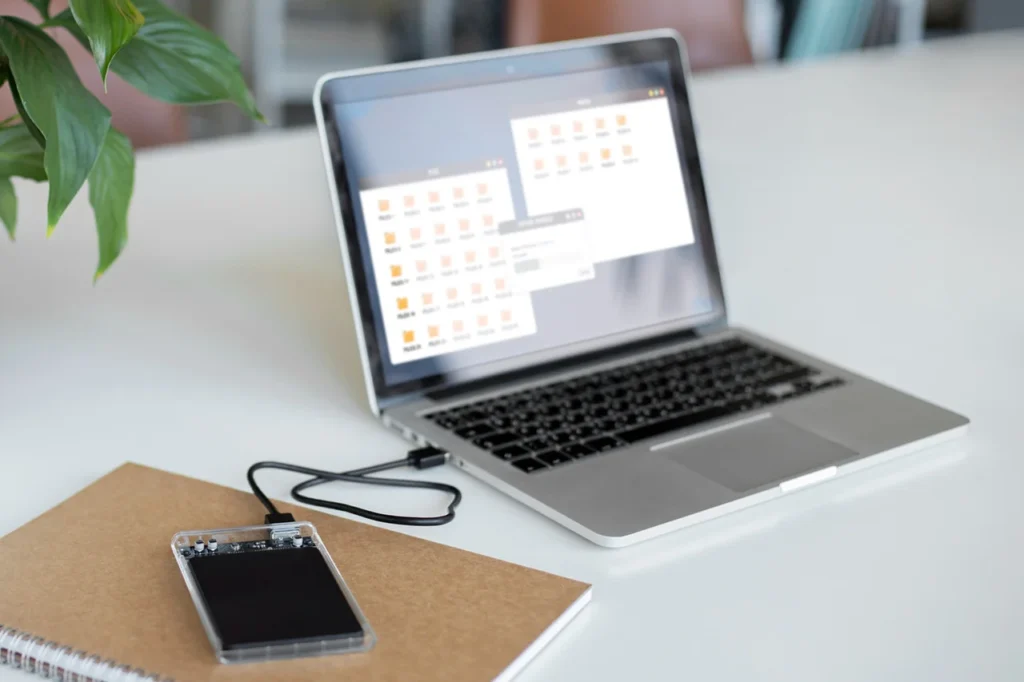
Summary: where to get graphics?
| Graphics source | Characteristics |
|---|---|
| Free stock libraries | Popular, free sites (like Unsplash or Pixabay) that offer plenty of choices but don’t give you 100% legal certainty or exclusivity. |
| Paid stock libraries | Professional databases (like Adobe Stock) that deliver unique, high-quality designs and complete legal safety. |
| Materials from the client | Ready-to-print logos, brand books, or custom designs provided directly by companies. |
| Graphics from AI | Custom images generated from a text description, e.g., using Leonardo.Ai. |
| Smartphone photos | Personal memories or portraits from clients, where modern phone quality is more than enough for a great print. |
| Artist platforms | Sites like Etsy, where you can buy ready-made, stylistically matched graphic bundles from global illustrators. |
| Working with a designer | Getting a custom design built from scratch or delegating professional file preparation. |
Everything you need to start printing
As you can see, sourcing graphics is actually one of the easiest parts of this business. You have stock libraries, AI tools, and materials from your clients ready to use.
But having access to files is one thing – what about the technical side of preparing them? At wall printers⁺, we make sure you master that too.
During our hands-on, stacjonarne training, we’ll teach you all the essentials – from checking resolutions to quick file editing.
Got questions? Ask away – we’re here to help!
Frequently Asked Questions (FAQ)
Where to get legal graphics for wall printing?
You can download legal, high-quality graphics from free stock sites (like Unsplash or Pixabay) or professional databases like Shutterstock and Adobe Stock. Ready-made graphic bundles from artists on platforms like Etsy, or files provided directly by your client, are also safe, fast options.
How to generate AI images for wall printing?
You can use Leonardo.Ai to generate images. To get the best results, write a detailed command (a prompt) in English, describing the subject, style, color palette, and the exact vibe you want for the graphic.
Are AI graphics suitable for large-format printing?
Images generated by AI often have a resolution that is too low for direct wall printing. At wall printers⁺, we solve this by using Gigapixel AI to upscale the files – and we highly recommend you do the same.
Can you print a smartphone photo on a wall?
Yes, modern smartphones take photos of such high quality that they work perfectly for wall printing. This makes it incredibly easy to handle custom orders using your clients’ personal photos.
Do I need to be a graphic designer to run a wall printing business?
No, you don’t need any design background to run this business. Your focus is on sales and delivering jobs, and you can easily delegate file preparation to an external specialist. As the operator, you focus on running the machine. You’ll easily learn all the technical basics – from checking resolution to simple file prep – during your hands-on training with wall printers⁺.
Not sure if this business is for you? Want to know the details or get started right away?
Discover the collaboration opportunities available to you and learn how to get started—even if you lack capital, a business of your own, experience, or prior knowledge. We will teach you everything.
See more
Blog
Explore our resources
Have a look through our knowledge base. We’ve put together articles, videos and answers to the questions people ask most before getting into wall printing.
Our process
Discover our collaboration process
Take the first step and we’ll do the rest
Send the form and we’ll email you our price list straight away, with all the packages and what’s included. One of our advisers will be in touch within one working day. No hard sell, just answers to your questions.

Your data is safe
Step 1: Choose your location
Step 2: Fill out the form