

Uncategorized
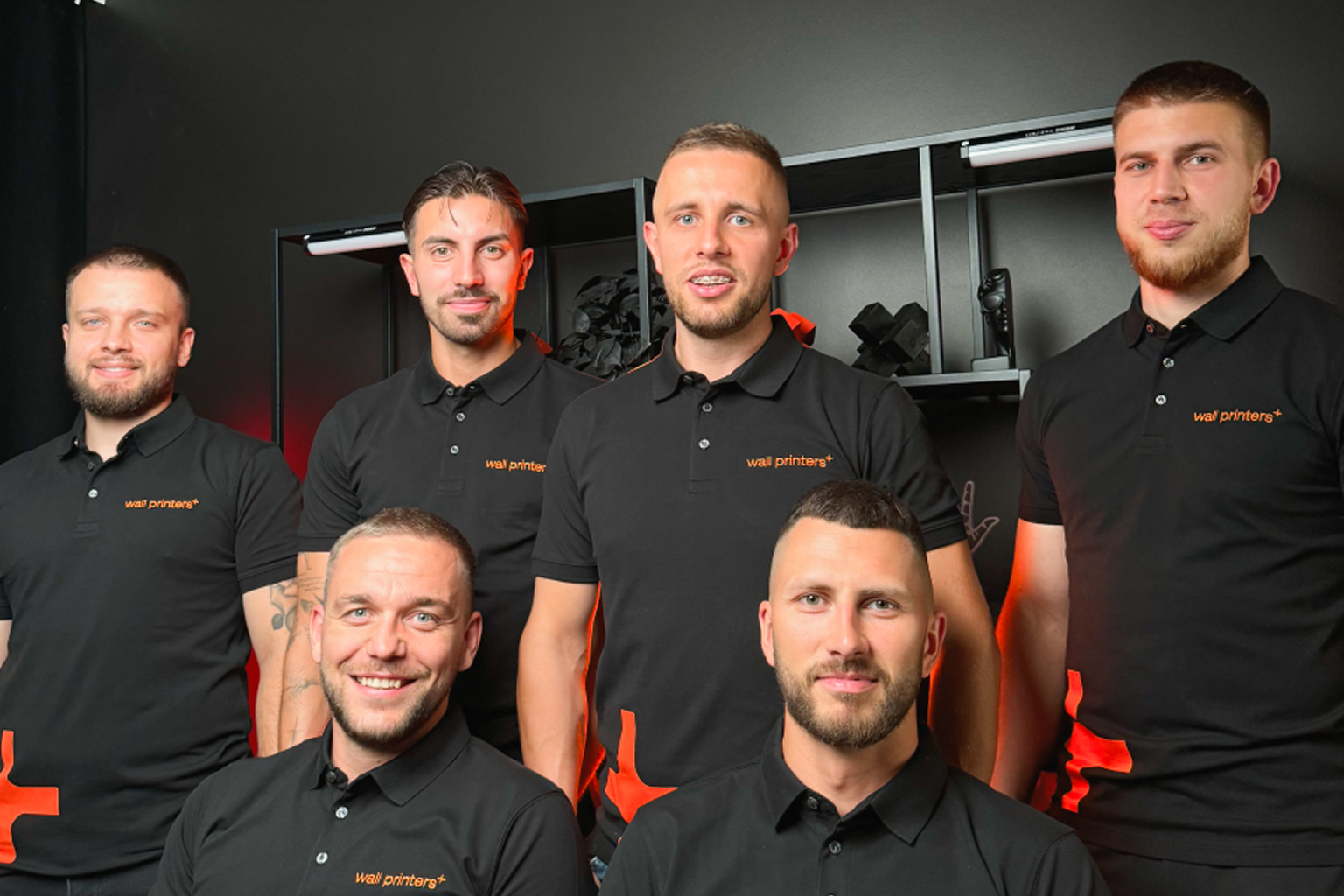
The best jobs rarely start at 9 a.m. You often only get the wall in the evening, and everything has to be done by the next morning. The design comes out just like the mock-up, and then, halfway through, the white ink stops showing up. Your client glances over at you, and you reach for your phone: is anyone still going to answer at this hour? We decided to find out. Here’s what wall printer technical support looks like, from the first message to the fix.
Live Test: How Long Do You Wait for a Reply?
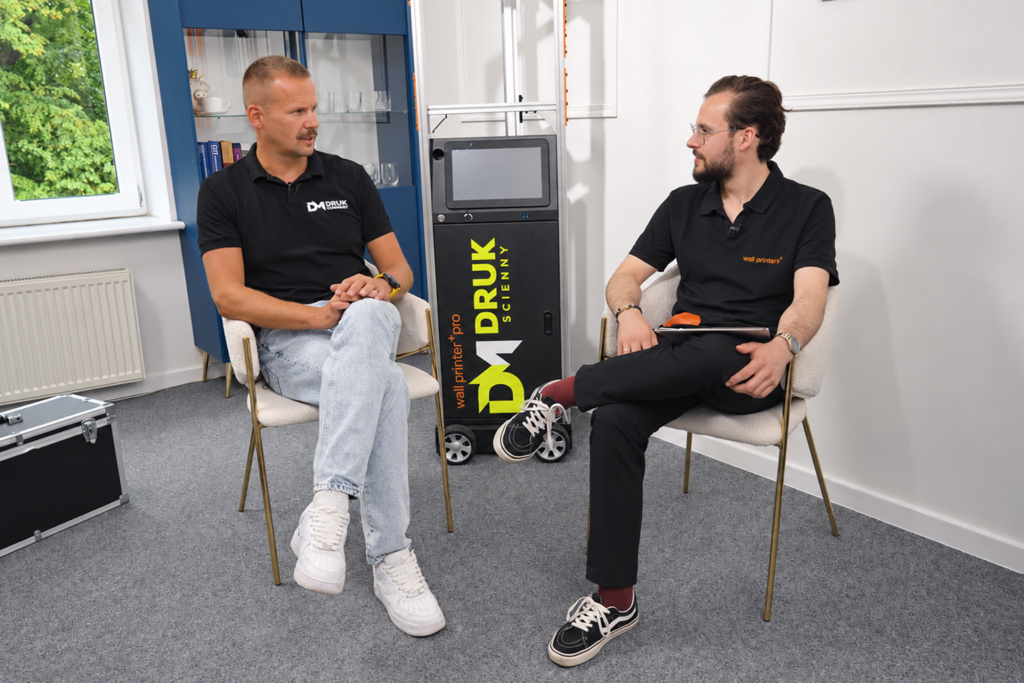
In 2025, the average response time on our tech support chat was under 3 minutes. But a number in a report is one thing. A wall where the print just won’t start is quite another. Krzysiek, head of our technical department, put his own team to the test. He set up an account as a new customer. Then he started printing in our office, just like on a real job. At some point, he messaged the chat about a printing problem. The technicians had no idea. They work remotely, so all they saw was another support request. Meanwhile, with a camera right next to Krzysiek, we started the stopwatch. How long until the first reply? And how long until the fix? Watch the whole thing in the video.
So what do printer operators message us about day to day? White ink not showing up on the wall is one of the 7 problems operators most often bring to the chat. Others? The “Print” button doesn’t respond. The laser marks the starting point, but the print starts 3 cm to the side. The good news: none of them came down to a faulty printer, and we solved every one remotely. In the video “The 7 biggest wall printing challenges (and how to solve them)“, Krzysiek shows where they come from and how to fix them. It also includes real threads from conversations with customers.
From Chat Message to Fix: How Does Wall Printer Technical Support Work?
- You message us and send a photo or video.
The chat runs on Slack, a messaging app you can have on your phone and your computer. Record how the printer is behaving and what message you see on the screen. That way, we see the situation as if we were standing right next to you, and we find the cause faster.
- A technician replies in under 3 minutes on average.
On the other end is someone who knows the printer inside out. They walk you through the diagnosis step by step: what to check, what to click, what to set.
- You solve the problem remotely, together with the technician.
No waiting for someone to turn up, no pushing the job back by a few days. That’s how more than 99% of support requests end.
- If you need a part, you replace it yourself, with instructions in the chat.
Every package comes with a year’s supply of consumable parts to get you started. If the one you need is among them, it’s right there to hand. If not, you order it from our online shop, which ships from our warehouse in Poland. In the rare cases where an on-site repair doesn’t work, you send only the faulty module for servicing, not the whole printer.
Why Help from 8 a.m. to 10 p.m. and at Weekends Matters
You print when your client can hand over the wall. A café or shop would rather you printed after closing time, so you don’t disturb guests or shoppers. An office is happiest to let you in on a Saturday, when no one’s at work. And a private client might invite you round in the evening after work or at the weekend, when they’re at home. That’s why, with the Premium package and the 360° Support add-on, the tech support chat is open from 8 a.m. to 10 p.m. CET, 7 days a week. If something stops you after 4 p.m. or on a Sunday, you message us straight away. If the problem can be solved remotely, as it is in more than 99% of cases, you’ll finish the job that same evening.
| Package | Tech support chat (first year, CET) |
| Basic | 8 a.m.–4 p.m., Monday to Friday |
| Standard | 8 a.m.–4 p.m., Monday to Friday |
| Premium | 8 a.m.–10 p.m., 7 days a week |
| Basic or Standard with 360° Support | 8 a.m.–10 p.m., 7 days a week |
The hours in the table apply for one year and are included in the package price. After that, you can contact us by email or extend the chat with the 360° Support add-on.
Who Helps You Day to Day? Our Technical Team and the Community
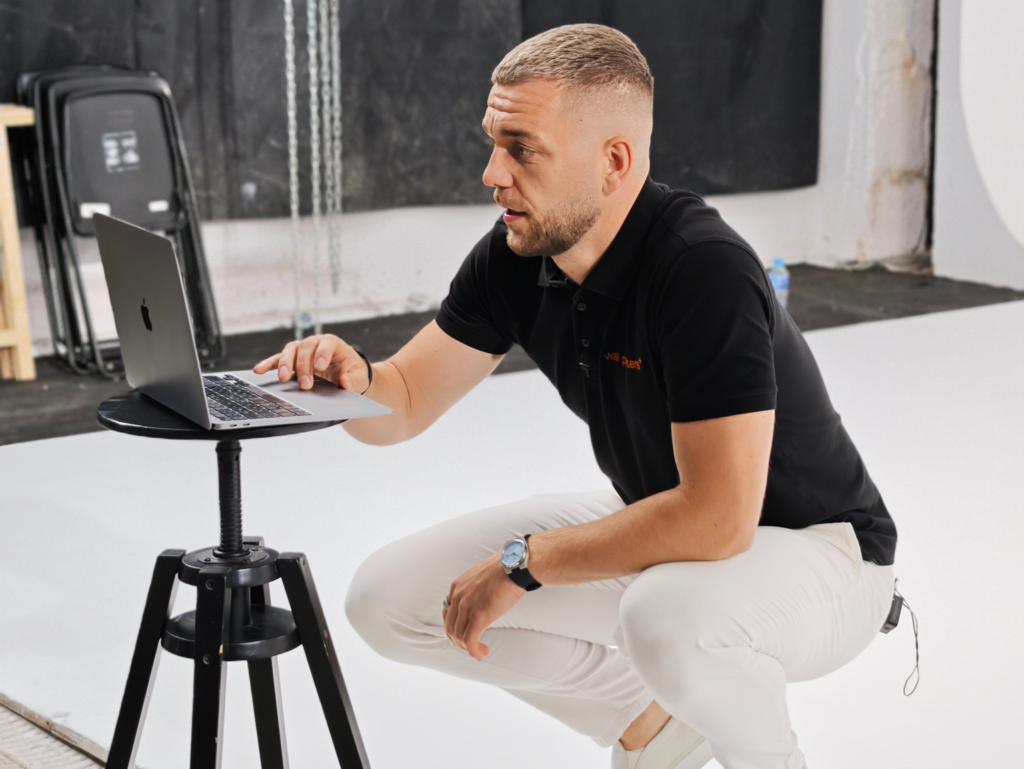 The chat is answered by Krzysiek’s team. He’s the one who runs the full-day training in Szczecin, Poland. Our technicians don’t just know the printer from the manual, because they also handle wall tattoo”” jobs, our own projects for clients. So they deal with the same problems you do. You can also join a private community of more than 300 printer operators on Slack. Access comes with the Standard and Premium packages and the 360° Support add-on. That’s where you can ask others about a client conversation or a similar wall they’ve already printed. Slack keeps the full history of every thread. Type a keyword into the search bar and see how others solved the same problem. We’ve shown how it works in practice, with real examples, in the article The wall printing community: 5 questions every beginner asks. So with Standard, Premium or 360° Support, you have two sources of help: our technical team and the printer community.
Summary
If your print stops mid-job, a technician will reply in a few minutes, not a few days. You send a photo or video, then work your way to the fix with our help. With Premium and 360° Support, that includes evenings and weekends. So you can book jobs whenever suits your clients, knowing that if something goes wrong, you won’t be on your own. That’s wall printer technical support with us in your corner.
Black Friday until Monday, 30 November: 360° Support at No Extra Cost or a Lower Printer Price
360° Support gives you the printer community and a tech support chat open from 8 a.m. to 10 p.m. CET, 7 days a week. On top of that, there’s a portfolio of 25+ licensed projects you can show clients before you’ve built up your own experience. For a year, you also pay 20% less in our online shop, excluding print heads and inks.
- Basic: 360° Support at no extra cost, worth 1,029 GBP / 1,176 EUR / 1,372 USD (excl. VAT)
- Standard: 360° Support at no extra cost, worth 819 GBP / 936 EUR / 1,092 USD (excl. VAT)
- Premium: 360° Support already included, and the printer costs 1,350 EUR / 1,150 GBP / 1,550 USD (excl. VAT) cheaper. With the Premium package, the discount also covers print heads and inks.
We’ve worked out how much you’ll spend in the shop in your first year and how much you’ll save, in the article: Wall printing costs: what does a year with a printer really cost? Talk to an advisor and find out which package will give you peace of mind for evening and weekend jobs.
FAQ - Wall Printer Technical Support
In 2025, the average response time was under 3 minutes. On the other end is a technician who walks you through the diagnosis step by step.
Yes, with the Premium package and the 360° Support add-on: from 8 a.m. to 10 p.m. CET, 7 days a week. With Basic and Standard, the chat is open from 8 a.m. to 4 p.m. CET, Monday to Friday.
No. We solve more than 99% of support requests remotely. If a part needs replacing, you do it yourself, with a technician guiding you in the chat. Only in the remaining rare cases do you send the faulty module for servicing, not the whole printer.
A year of the tech support chat is included in the package price. After that, you can contact us by email or extend it with the 360° Support add-on.
Not sure if this business is for you? Want to know the details or get started right away?
Discover the collaboration opportunities available to you and learn how to get started—even if you lack capital, a business of your own, experience, or prior knowledge. We will teach you everything.
See more
Blog
Explore our resources
Have a look through our knowledge base. We’ve put together articles, videos and answers to the questions people ask most before getting into wall printing.
Our process
Discover our collaboration process
Take the first step and we’ll do the rest
Send the form and we’ll email you our price list straight away, with all the packages and what’s included. One of our advisers will be in touch within one working day. No hard sell, just answers to your questions.

Your data is safe
Step 1: Choose your location
Step 2: Fill out the form